Development Setup
Tech Stack
- CLI (
cli/) — C tool handling all USB communication with the G2 hardware. Outputs JSON to stdout; accepts JSON commands on stdin. - Electron app (
g2-editor/) — Vue 3 + TypeScript desktop app. Communicates with the G2 through the CLI daemon.
Prerequisites
- macOS:
brew install libusb - Windows: handled via the release build script (MinGW cross-compile)
Building the CLI
cd cli
make                    # build
make test               # run all tests
make test-unit          # unit tests (no G2 needed)
make test-integration   # integration tests (needs connected G2)
Building the Electron App
cd g2-editor
npm install
cd ../cli && make && cd ../g2-editor   # rebuild CLI first
npm run postinstall                     # copies CLI binary into app resources
npm run dev                             # development server
npm run build                           # production build + package
npm test                                # Vitest unit tests
Development Environment
My Setup
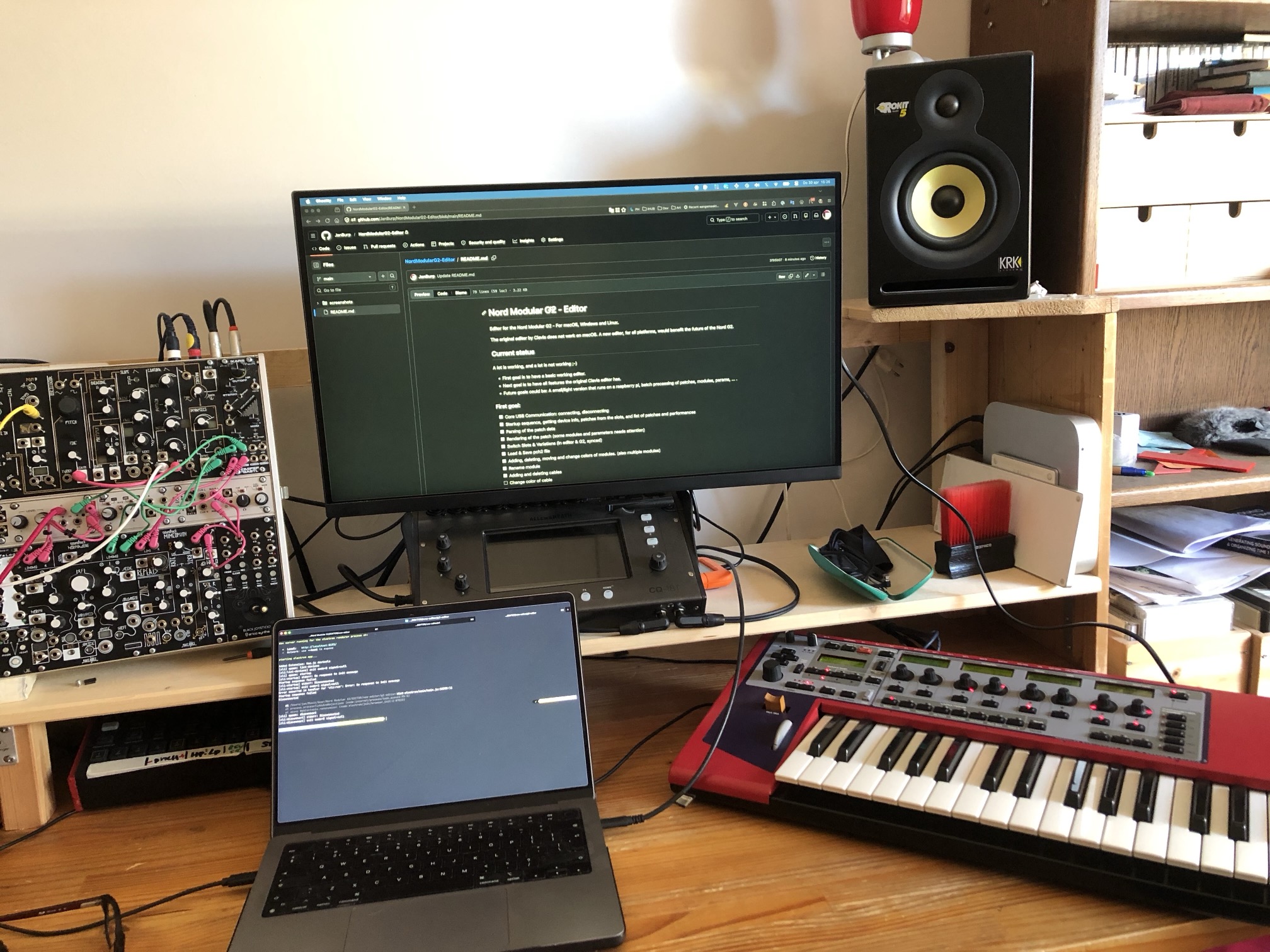
Developed on M1 Apple Silicon, macOS 15.7.3, with an expanded Nord Modular G2.
Daemon Development (tmux)
For interactive daemon testing, use the tmux launcher (requires tmux):
cd cli
./g2tmux.sh
This opens a split-pane tmux session:
- Left pane: daemon output (watch events, responses)
- Right pane: command shell with autocomplete
See CLI Commands for available commands.