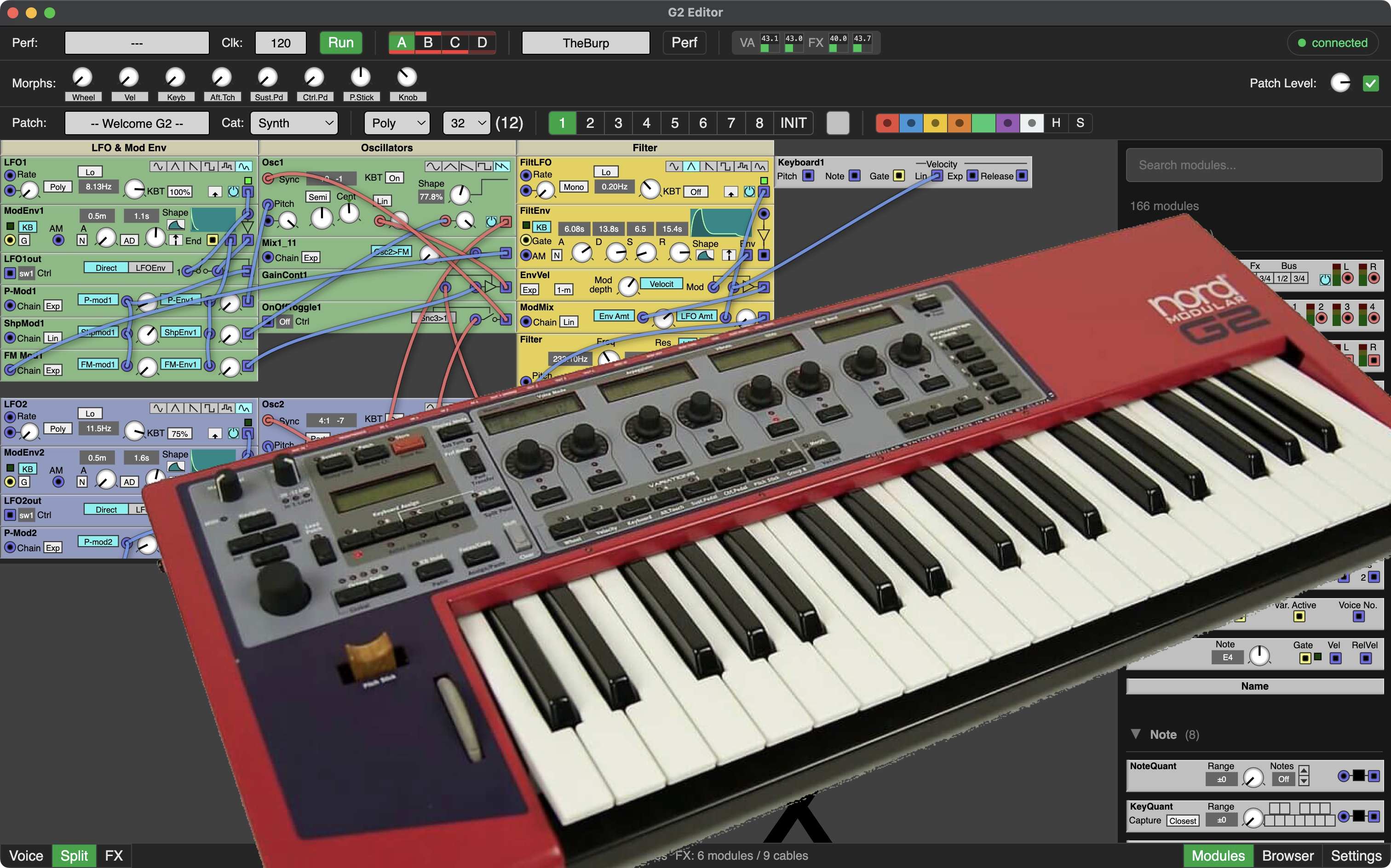
Most people don’t need this. In some cases it could be helpfull for testing without the whole UX editor. Or if you like to control your G2 from the terminal. Look at GitHub Page for more info.
macOS
Open the .dmg and drag G2 Editor to your Applications folder.
On first launch macOS may block the app because it is not notarized:
If you see “unidentified developer”: Right-click (or Control-click) the app icon, choose Open, then confirm.
If you see “damaged and can’t be opened”: open Terminal and run:
xattr -cr /Applications/G2\ Editor.app
Then launch the app normally.
Windows
Run the .exe installer and follow the steps.
USB Driver
The editor requires the WinUSB driver for the Nord G2. If the app reports a USB driver problem, install it using Zadig:
Important: Run Zadig as Administrator (right-click → Run as administrator), otherwise it cannot replace/install the driver.
Open Zadig and select the Nord G2 device.
Choose WinUSB as the driver.
Click Replace/Install Driver.
Note: This replaces Clavia’s original USB driver.
Windows 11: Driver Signature Enforcement
Windows 11 may block the unsigned WinUSB driver. If Zadig fails to install the driver, boot with signature enforcement disabled:
Start → Power, hold Shift and click Restart.
Go to Troubleshoot → Advanced options → Startup Settings → Restart.
Press F7 — Disable driver signature enforcement.
Once Windows has booted, run Zadig as Administrator and install the driver as described above.
Reboot normally — the driver persists across reboots.
Help
See the help file for keyboard shortcuts, module editing, cabling, and more.
If you have any other ideas how to contribute (apart from requesting features you can’t develop yourself or are beyond the goals i mentioned below) feel free to contact me.
If you can’t contribute whatsoever, but realy wan’t to support this editor and appreciate the investment in time and subscriptions I make for this, consider a donation. See donate button at the bottom of this page.
Roadmap:
First Goal - core:
Core USB Communication: connecting, disconnecting
Startup sequence, getting device info, patches from the slots, and list of patches and performances
Parsing patch data
Basic rendering of a patch
Switch Slots & Variations (in editor & G2, synced)
Coded and tested by me on M1 apple macOS 15.7.3 and an expanded Nord Modular G2.
With some help from coding agents (claude & opencode) on a tight budget.
Donate
Although i’m not in it for making money with this editor, donations will help with the development in a few ways:
Subscriptions to coding agents which speeds up development a lot. (Now i use Claude Code & Opencode, but i’m open for good quality agents that are more friendly).
If donations grow substantial i may buy myself a second hand Nord G2 Engine for testing purposes.